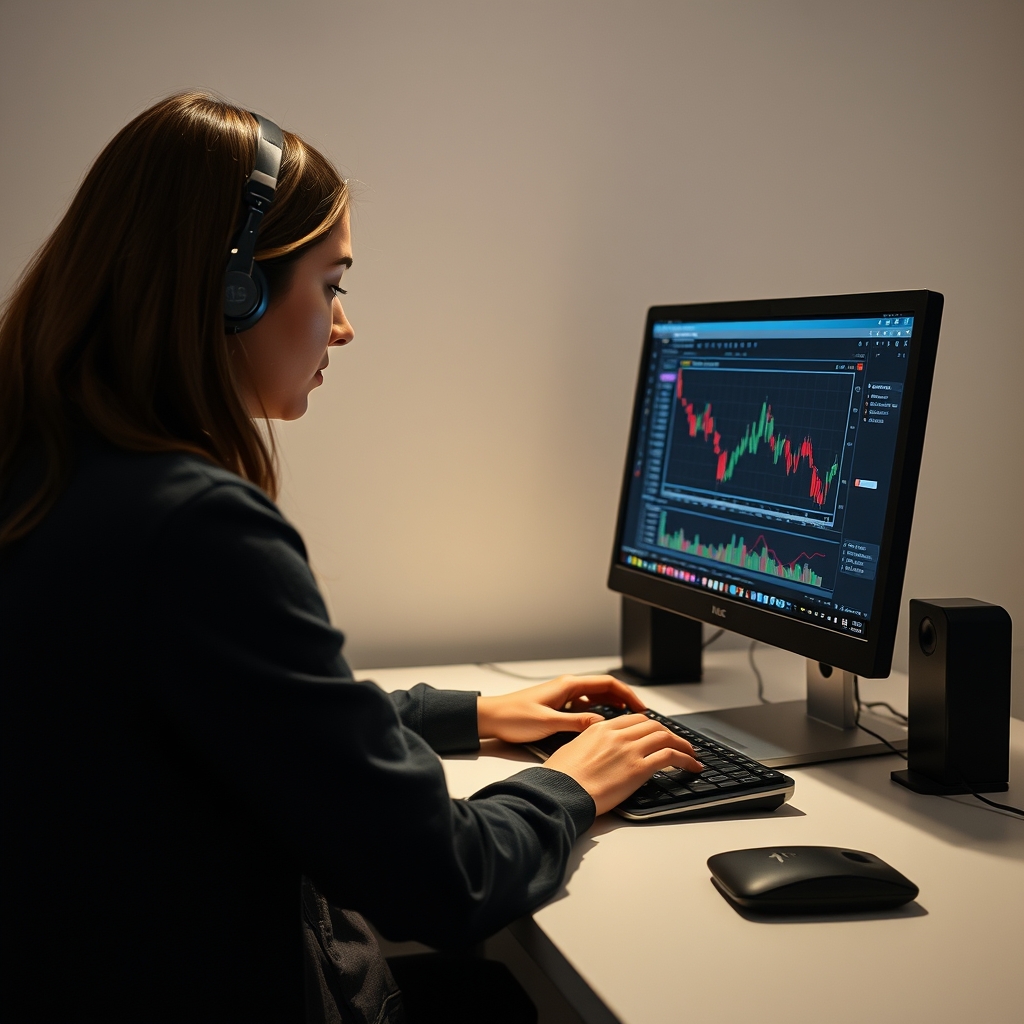
Forex bots (also called Expert Advisors or EAs) are programs that place and manage trades by fixed rules, usually on MetaTrader 4 or 5. They can remove emotion and save screen time. They cannot remove risk, and many are marketed with claims that don't survive live trading. This guide explains how to evaluate any bot, which categories exist, and where to read deeper reviews. It is educational, not financial advice. Leveraged trading can lose more than you expect, so consider speaking with a licensed professional if you are unsure it suits your situation.
What a Forex Bot Actually Does
A bot follows coded rules: when to enter, how large to trade, where to place stops, and when to exit. It does not predict the market. It applies a strategy mechanically, so if the strategy has no real edge, or the edge disappears when conditions change, the bot will lose money consistently and without hesitation.
If you are unsure whether a bot is the right tool at all, read Forex Indicator vs Bot vs Signal Service: Which Should You Choose? first.
Common Bot Types and Their Tradeoffs
| Type | How it works | Main risk |
|---|---|---|
| Scalper | Many short trades for small moves | Sensitive to spreads, slippage and broker execution |
| Grid / Martingale | Adds positions as price moves against it | Can look smooth for months, then take a very large loss |
| Trend-following | Rides sustained moves | Frequent small losses in ranging markets |
| Breakout / news | Trades volatility spikes | Widened spreads and slippage around events |
| Hedging / recovery | Opens offsetting trades to manage drawdown | Complexity can hide real exposure |
Neither category is automatically good or bad. What matters is whether you understand the worst-case scenario and can afford it.
How to Evaluate a Bot Before Paying
1. Look for independently verifiable results
Screenshots and backtest images are easy to produce and easy to cherry-pick. Prefer live results tracked by a third-party service, with a meaningful history and a drawdown figure you can see. Even then, past performance does not predict future returns.
2. Understand the risk mechanics
Ask the seller, or check the documentation, for these answers:
- Does it use a stop loss on every trade?
- Does it use martingale, grid or averaging down?
- What is the maximum historical drawdown, and over what period?
- Which pairs and timeframes is it built for?
- Does it need a specific broker type, such as low spread or ECN?
3. Treat backtests with skepticism
A backtest on clean historical data can be over-optimized, meaning it has been tuned to fit the past. Real trading adds spreads, commissions, slippage and requotes. A backtest is a starting filter, not proof.
4. Check the refund policy and the real cost
Prices and terms change, and some products add subscriptions, upgrades or required tools. Always confirm current pricing and refund conditions on the official site, and read Forex Indicator and Bot Pricing Explained: Subscriptions, Lifetime Licenses and Hidden Costs to know what to look for.
Bots Reviewed on PipPilot
We keep detailed write-ups so you can compare features, pricing structure and refund terms in one place. Start with the full hub at Forex Indicator, Bot and Software Reviews. Specific bot pages include:
- Forex Fury EA Review: Features, Pricing, Results and Refund Policy
- Scorpio Scalper Review: Features, Pricing, Refund Policy and Is It Worth It?
- Scorpio Scalper Alternatives and Competitors Compared, useful if you want to weigh options side by side
Before relying on any review, ours included, check the vendor's official page for current details, since products and terms can change.
 Recommended for youScorpio Scalper Review: Features, Pricing, Refund Policy and Is It Worth It?
Practical Setup Steps
- Open a demo account. Run the bot there for at least several weeks across different market conditions.
- Match the broker conditions. Spreads, execution speed and leverage affect results, especially for scalpers.
- Decide your maximum loss first. Set a limit for the account, not just per trade, and stick to it.
- Start small on live. Use minimal size, and increase only if live behavior matches expectations.
- Monitor regularly. Automated does not mean unattended. Check for errors, disconnections and drawdown beyond what you planned.
- Keep a log. Record results against what the seller claimed so you can judge honestly.
Do You Need a VPS?
A VPS keeps your platform running around the clock, which matters for bots that trade continuously or are sensitive to latency. For slower, occasional strategies it may be optional. See Do you need a VPS to run a forex bot? for the short answer, and Best Forex VPS Providers Compared: Pricing, Latency and MT4 Setup if you decide to use one.
Red Flags to Walk Away From
- Promises of guaranteed or fixed returns, or "no-loss" systems
- No verifiable live track record, only screenshots
- Pressure tactics such as countdown timers or "last spots"
- Testimonials you cannot verify
- Vague answers about how the strategy trades or what the drawdown has been
- Unclear or hard-to-find refund terms
Alternatives to Full Automation
If you want help without handing over execution, consider tools that support your own decisions. Best Forex Indicators for MT4 and MT5 Reviewed covers chart-based aids, and Are free forex indicators worth using? explains where free options are enough. For following other traders, see Best Forex Signal Tools and Software Reviewed and MQL5 Signals Service Review: Costs, Reliability and Is It Worth It?.
The Bottom Line
A good bot is one you understand, have tested, and can afford to be wrong about. Treat every product as unproven until your own demo and small-size live results say otherwise. Never risk money you cannot afford to lose, and if your finances are tight or you are unsure about the risks, talk to a qualified financial professional before trading.
Keep reading
 Scorpio Scalper Alternatives and Competitors ComparedWhat Scorpio Scalper Is, and Why Traders Look for Alternatives Scorpio Scalper is marketed as an au…
 Best Forex Indicators for MT4 and MT5 ReviewedMost traders don't need more indicators. They need two or three they understand, tested on a demo a…
 Best Forex Signal Tools and Software Reviewed"Forex signal tools" covers several different products: indicators that mark potential entries on y…